Migration
Bring your existing book across.
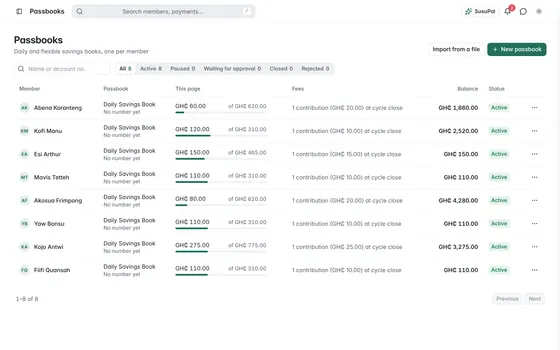
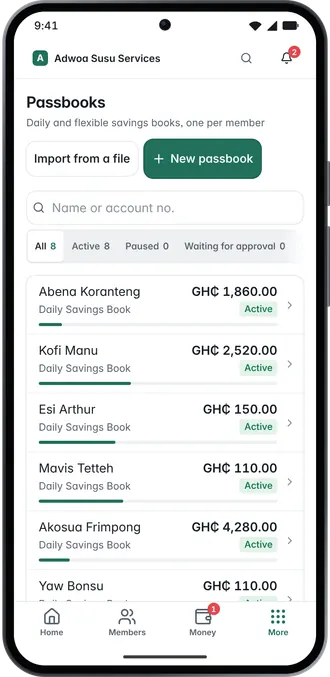
“I already have 400 members on paper” is the thing we hear most. Bulk import brings your members and passbooks across from one file, and our team helps with the rest.
Bulk import
Three things the import handles.
Members
Names, phone numbers, email and gender, from one spreadsheet.
Passbooks and fund members
Passbooks with their fees and cycles, and who belongs to each fund. Balances are entered separately, so someone checks them first.
Batch status tracking
Every import runs as a batch you can watch. You see which rows went in, which failed and why. A bad row never quietly disappears.
Migration service
What migration actually involves.
Your book might be several notebooks, a WhatsApp group and a loan file. For that, our migration team works with you.
- 01
Bring your book
Member list, passbooks or loan book, on paper or in a spreadsheet. Bring whatever you have today.
- 02
We map it
Your records mapped to groups, passbooks or loans as they exist in your business.
- 03
You review a trial run
A batch runs against your real data before anything is final, so you see mismatches before your members do.
- 04
You go live
Cutover happens on a day you choose, and your old book stays valid until it does.